
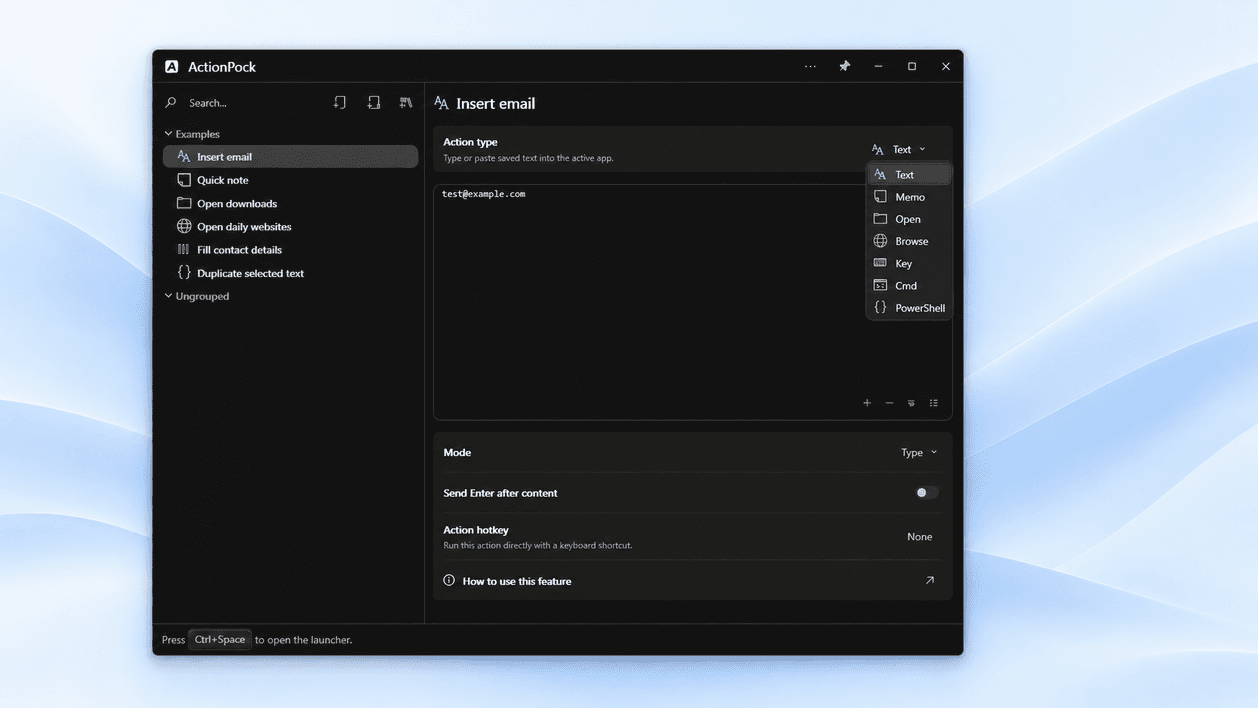
Step 1
Choose something you repeat
Your email signature, a project folder, or the three websites you open every morning — pick one small thing.
30-day full trial. Free plan afterward.Try every feature free for 30 days. Keep editing on Free afterward — running needs a license.Download for Windows →
ActionPock — Windows hotkey & workflow launcher
ActionPock is a local-first Windows action launcher for the things you repeat every day. Save apps, files, websites, text snippets with fillable blanks and date/time stamps, PowerShell scripts, and multi-step workflows — then run them with Ctrl+Space or your own global hotkeys. Built for people who want keyboard shortcut automation without leaving the desktop.
30-day full-feature trial · Free plan afterward · No account or card required
Familiar by design
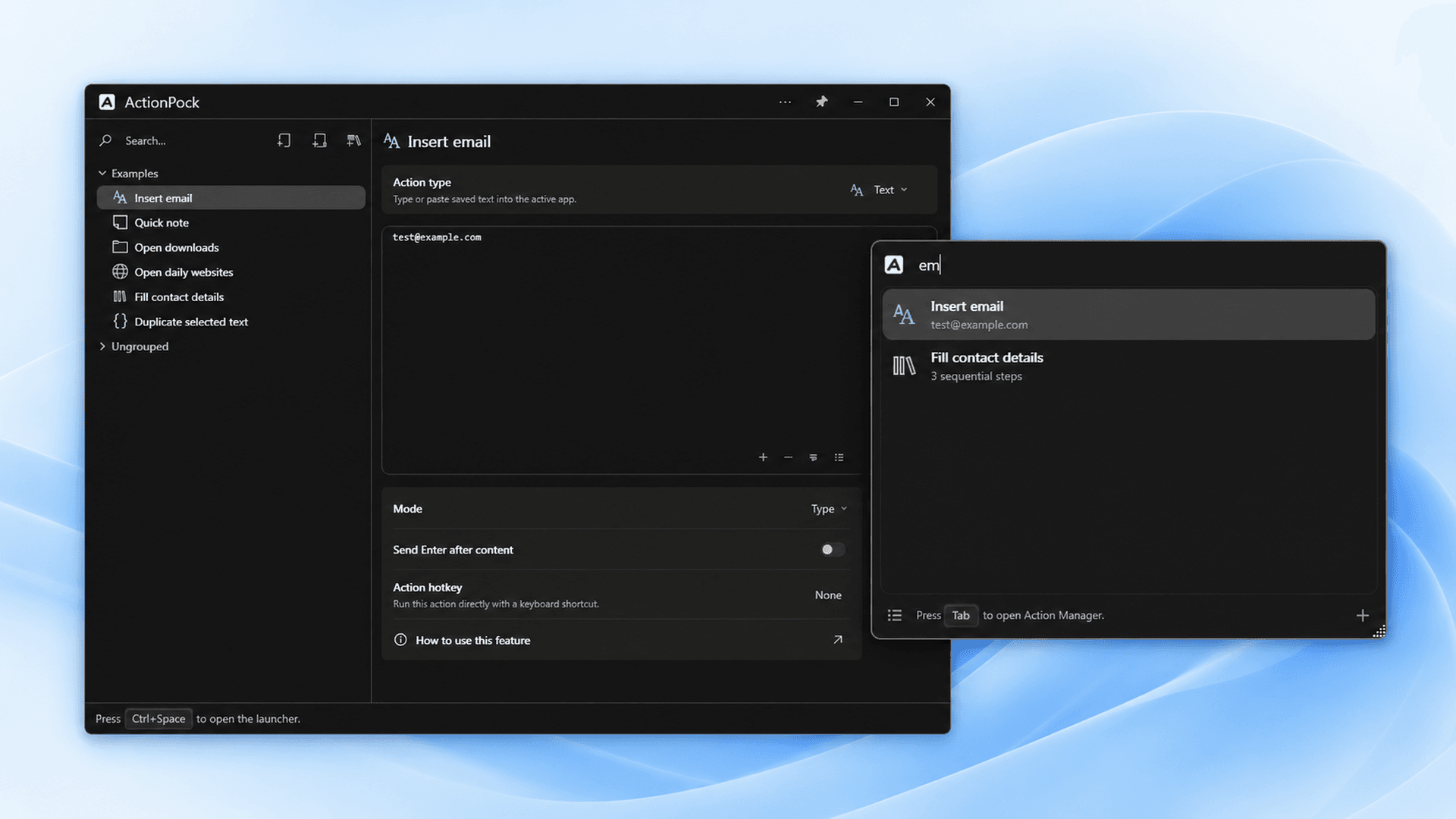
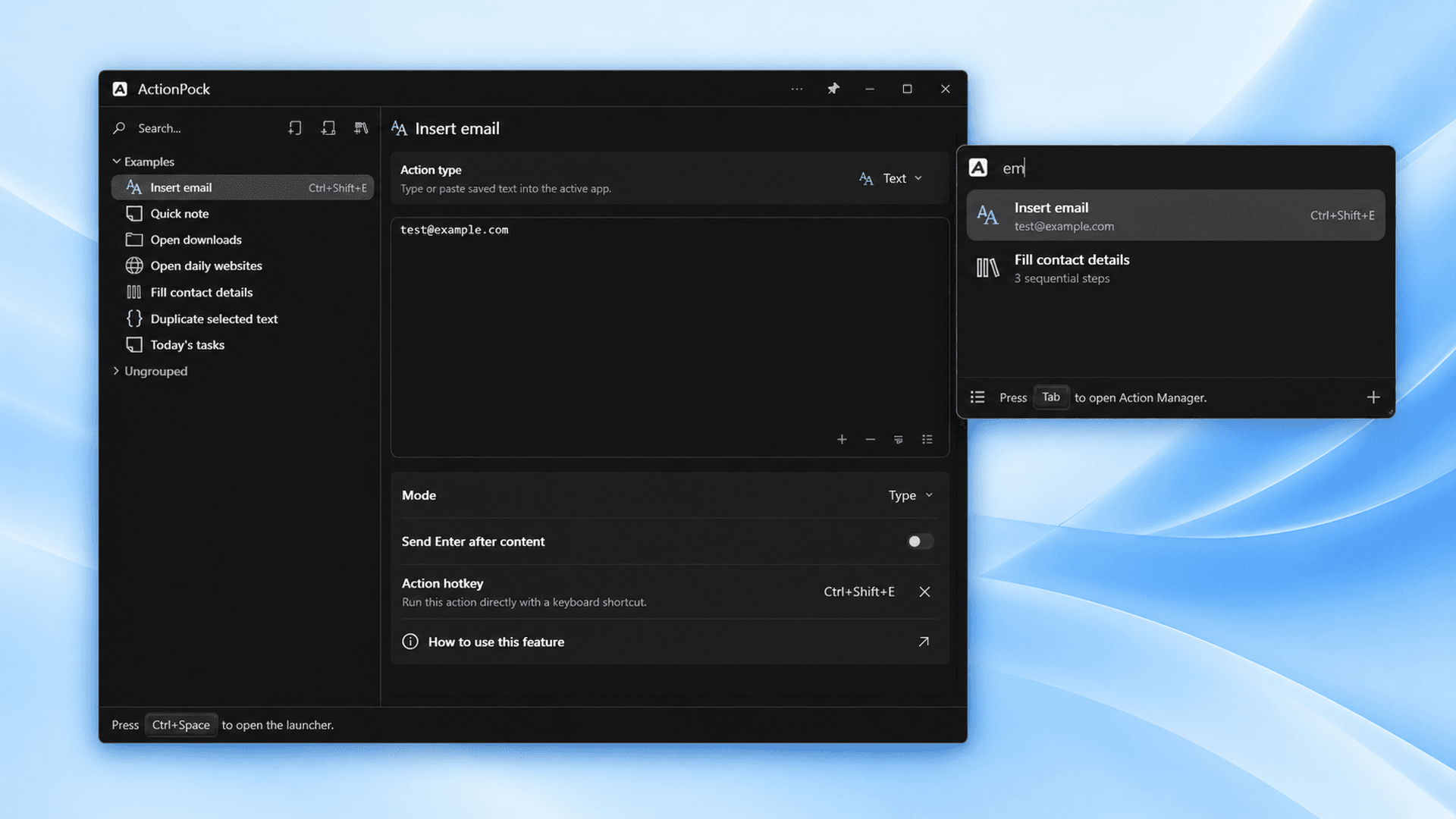
ActionPock uses a familiar tree of groups and actions. Give an action a name, place it where it belongs, and find it later by searching. You don't need to write code to save text, open a folder, or launch your favorite websites.
Getting started
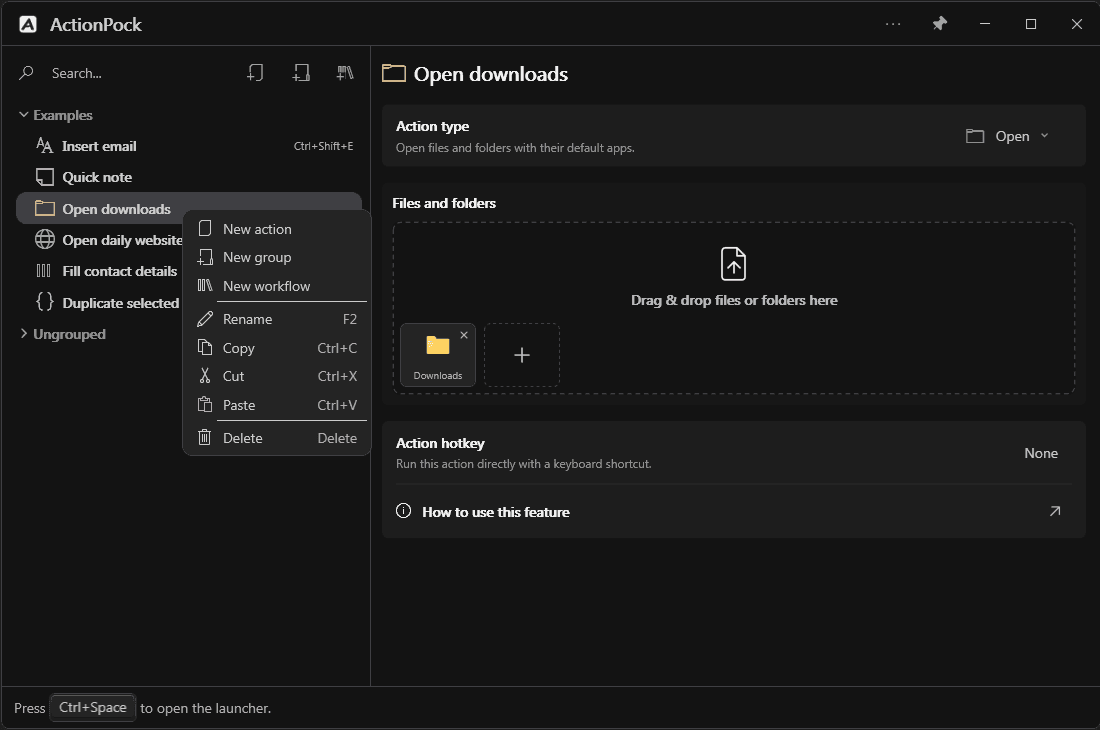
You don't have to configure everything or learn advanced tools first.
Step 1
Your email signature, a project folder, or the three websites you open every morning — pick one small thing.
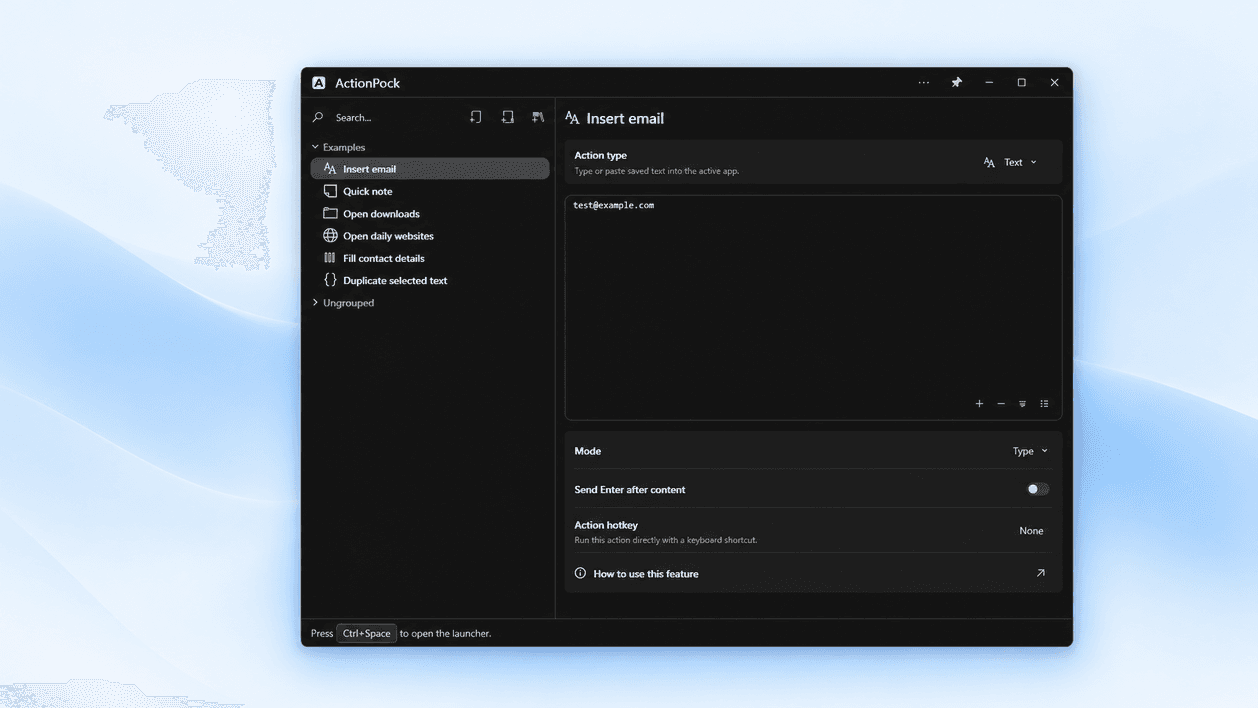
Step 2
Give it a short name and choose a group if that helps. That is the whole setup — no code, no configuration files.
Step 3
Press Ctrl+Space, search the name, and press Enter. Add your next action whenever you are ready.
Want more later? You can add your next action whenever you're ready — learn how to create workflows in ActionPock, or download the Windows trial.
Grow at your own pace
Use the features you need today. More powerful options are there when you're ready.
Search your saved actions by name, run them with Enter, or give favorites their own keyboard shortcuts. A saved reply lands in the email you were writing; your websites open in your browser — without leaving the app you were using.
Leave a name, a ticket number, or today's date open in a Text snippet — the Launcher asks for each value with a live preview. Defaults prefill when you want them; date/time formats insert the rendered stamp and still let you edit before paste.
{{Name:default}} prefills the prompt[format] tokens with a live preview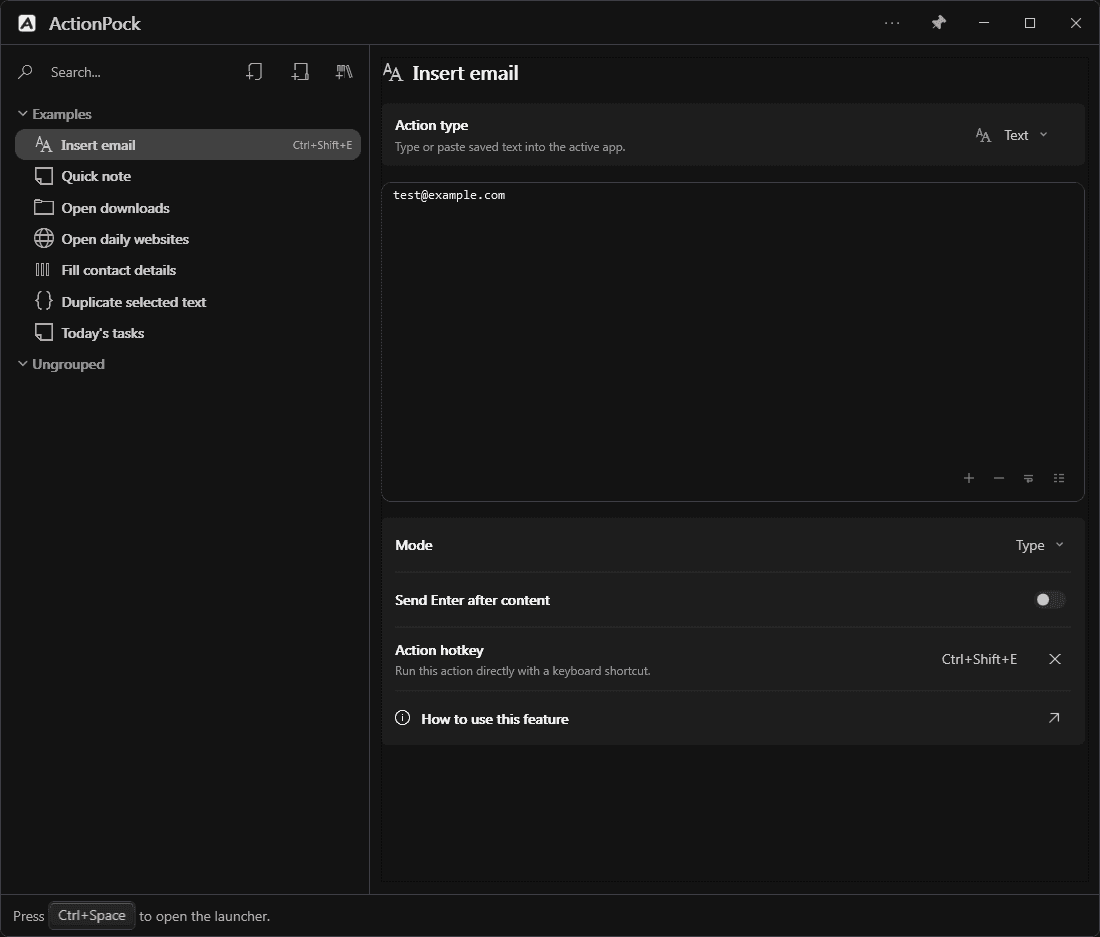
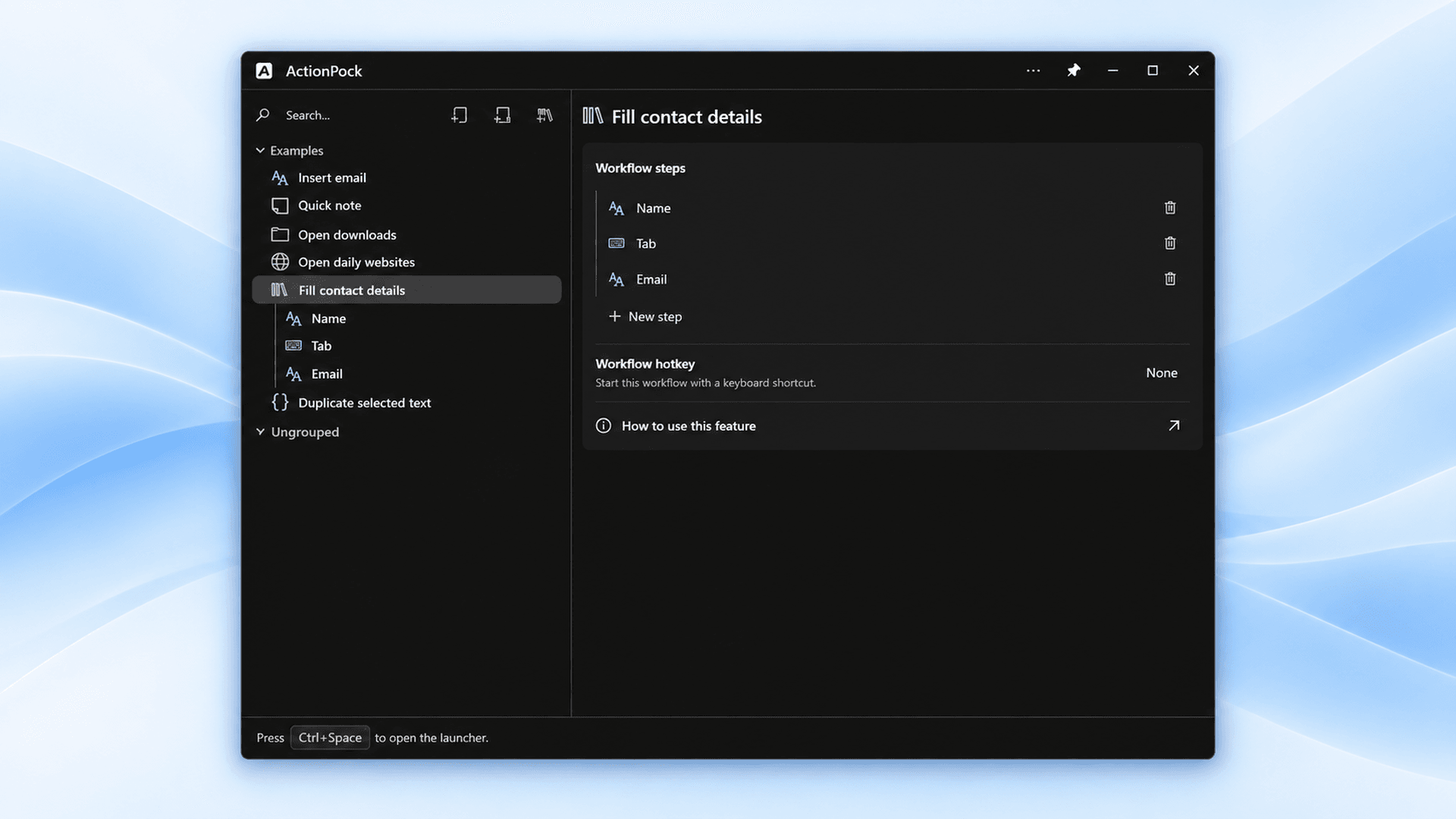
When several small actions belong together, turn them into a workflow: open your project folder, launch your daily websites, and display a checklist in sequence — then run the whole routine the same way as any action.
Made for you
ActionPock adapts to you — not the other way around. Set it up once, in the language and style that feel like home.
Choose from 70 interface language options, including regional variants. Switch in Settings and open windows update right away — no restart, and your saved actions keep the names you gave them.
These are the options inside the ActionPock app — this website itself is currently in English.
Pick a look that feels comfortable. ActionPock includes ten modern palettes — five light and five dark — applied immediately.
Light themes
Dark themes
What can you save?
Four everyday action types cover most people. The advanced ones — and workflows — are optional, there when a routine outgrows a single action.
Stop retyping the same text
Frequent replies, signatures, and snippets — with optional blanks and today’s date filled when you run. Save once, then type as keystrokes or paste instantly.
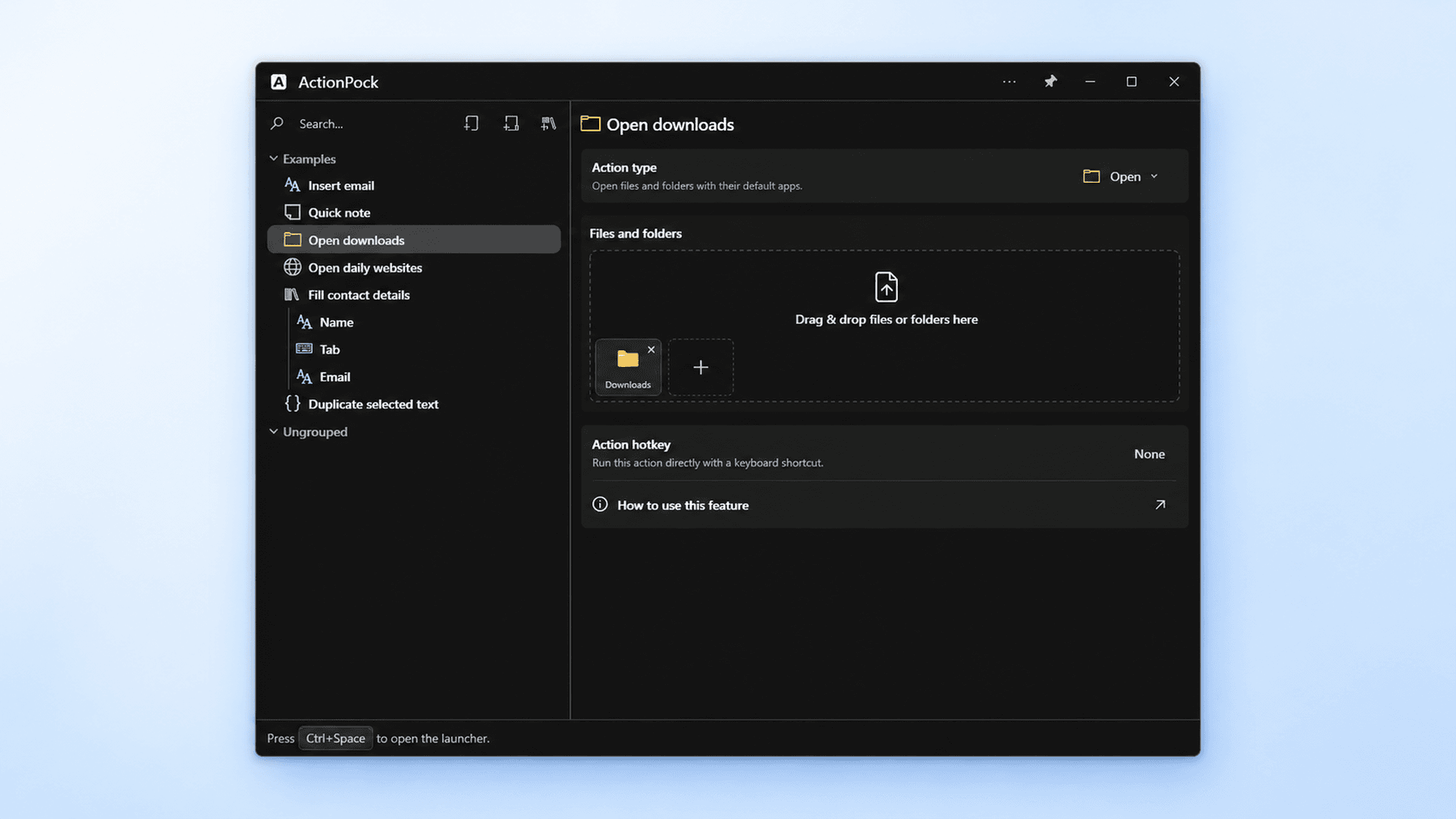
Open the files and folders you use
A project folder plus its reference files, opened together — no more hunting through Explorer.
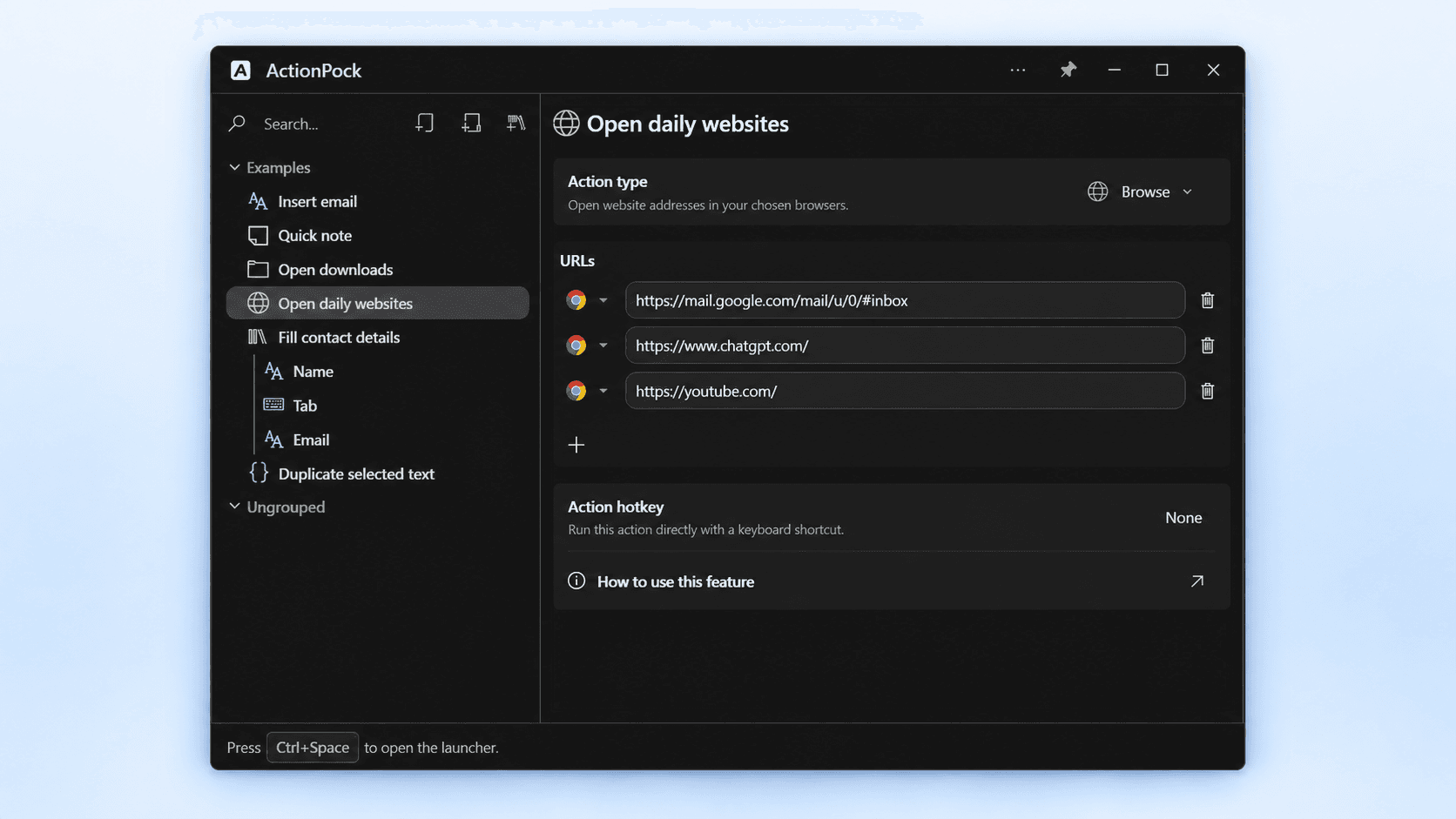
Launch your everyday websites
Your calendar, work dashboard, and task board in one go — each site in the browser you choose for it.
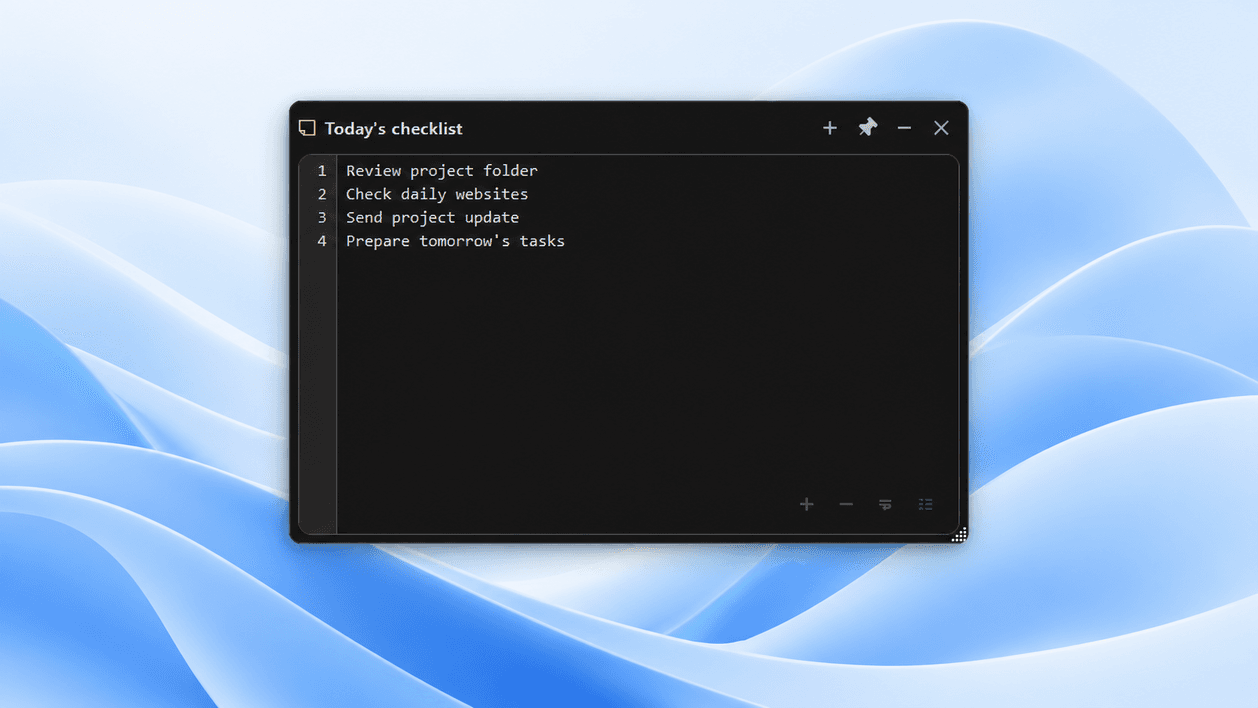
Keep your checklist close
A floating, always-on-top reference note or checklist that saves itself as you type.
Combine actions into a routine
A workflow runs several actions in order — open the folder, open the sites, show the checklist — from one search or one hotkey. It sits alongside the everyday types, ready when you want it.
Optional, advanced, and never required to use the everyday actions above.
Key
Send a keyboard shortcut
Send a single key or shortcut — with Ctrl, Alt, Shift, or Win — to the active app.
CMD
Run a saved command
Keep command-line tasks you already trust one search away, instead of retyping them.
PowerShell
Run a trusted script
Your scripts, launchable like anything else. New or edited scripts ask before they run.
Local-first
ActionPock works without a user account. Your saved actions, memos, scripts, and settings stay in local storage on your PC, and everyday actions keep working offline.
Your action library isn't a cloud workspace — it lives on your computer, in the app's local storage.
Start and use ActionPock without signing up. A license is a simple key, not an identity or login.
Saved actions keep working without a connection; a brief license check now and then never blocks them.
Sharing is off unless you choose to enable it. Statistics are anonymous counts only — no action names or contents are ever sent.
How licensing checks and optional statistics work is spelled out in our privacy policy.
Simple pricing
Try every feature for 30 days. After that, Free keeps a limited number of actions and workflows, and running may be limited or require a paid license. Choose 3 or 10 PCs and a duration — timed or Forever — no recurring subscription.
After 30-day trial
$0forever
One-time purchase. Timed plans expire to Free; Forever stays perpetual.
Up to 3 PCs
$0.991 month
Up to 3 PCs · 1 month
Up to 3 PCs
$3.996 months
Up to 3 PCs · 6 months
Up to 3 PCs
$6.991 year
Up to 3 PCs · 1 year
Up to 3 PCs
$19.99forever
Up to 3 PCs · Forever
Prices in USD, payment by Stripe. Your key is emailed after payment — recover it anytime if it goes missing.
FAQ
Download ActionPock, save your first action, and keep building a more comfortable Windows routine at your own pace.
Windows 10 & 11 · No account required · Full trial, then Free plan