
Free 30-day trial · Version 2.0.0
Download ActionPock for Windows
One signed installer for Windows 10 and 11. Install in under a minute, and your trial starts the first time you launch the app.
ActionPock 2.0.0 · .appinstaller · Signed package, updates handled by Windows
- Every action type and workflows unlocked
- No account, no card, no email required
- Your actions stay on your PC — nothing uploaded
- Free plan afterward — keep editing; running needs a license
Install
From download to first action in three steps
Download the installer
Click the button above to get the small ActionPock installer file (.appinstaller).
Open it and choose Install
Windows App Installer opens with the app name and publisher. Choose Install — this also tells Windows where future updates come from, so install from the .appinstaller rather than a standalone package file.
Launch ActionPock
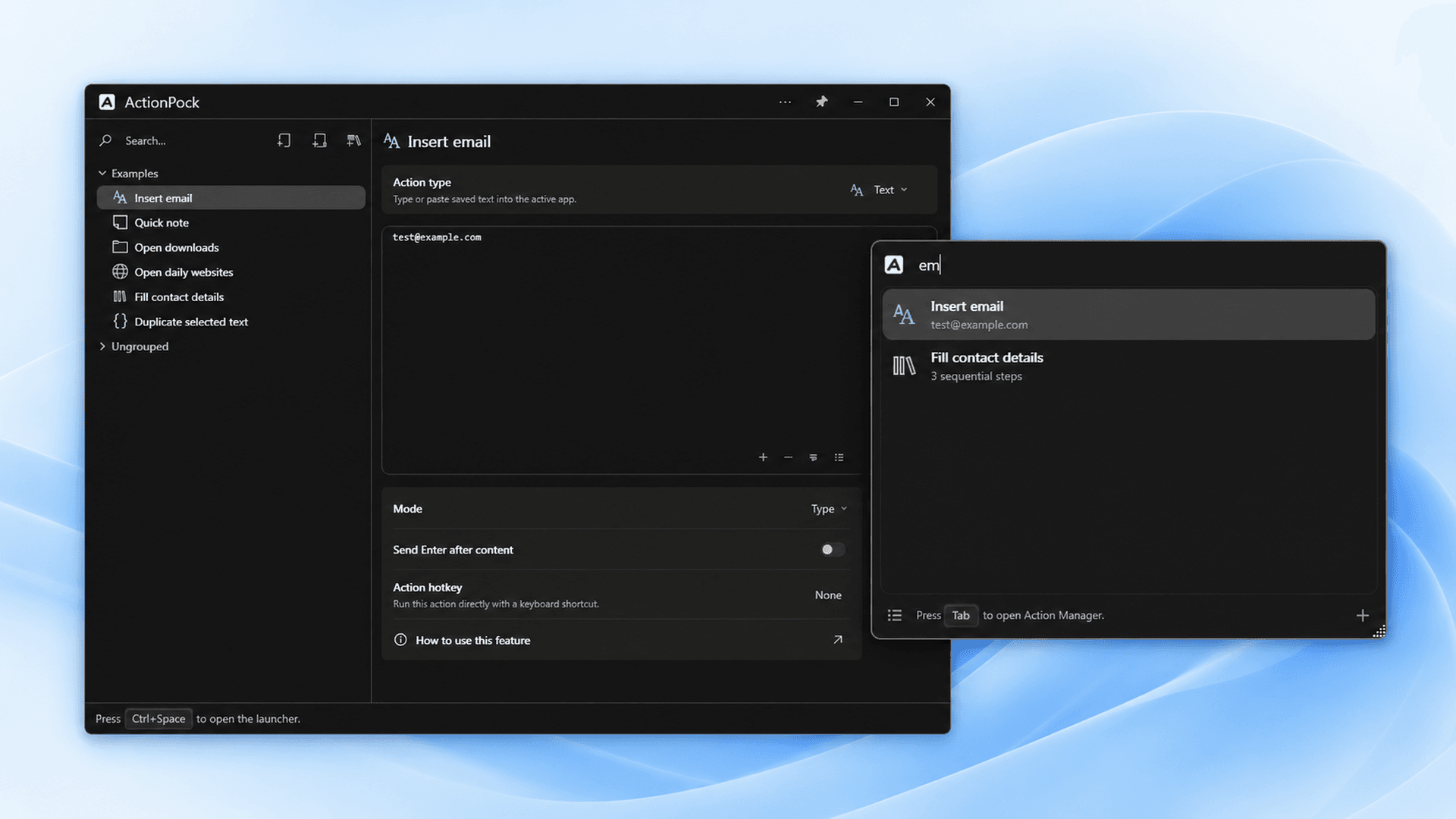
Find ActionPock in the Start menu. Your 30-day trial starts on first launch, and a sample Examples group is ready to try.
System requirements
- A PC running Windows 10 or Windows 11
- Windows App Installer (included with current Windows versions)
- Internet only for downloading, updates, and license activation — your actions run offline
When the trial ends
Nothing is deleted. The free tier keeps a limited number of top-level actions and workflows for editing, and running may be limited or require a paid license. Buy whenever you are ready and running unlocks for your plan’s term — no reinstall.
See plans and pricing →Already bought a license?
Open ActionPock, choose License from the title-bar menu, and enter your purchase email and the AP- key from your email. Lost the key? Recover it in a minute.